 Interview AI Copilot
How It Works
Interview AI Copilot listens to your interview, auto-detects the language, and transcribes it live — then delivers intelligent answers, all inside your browser, in real time.
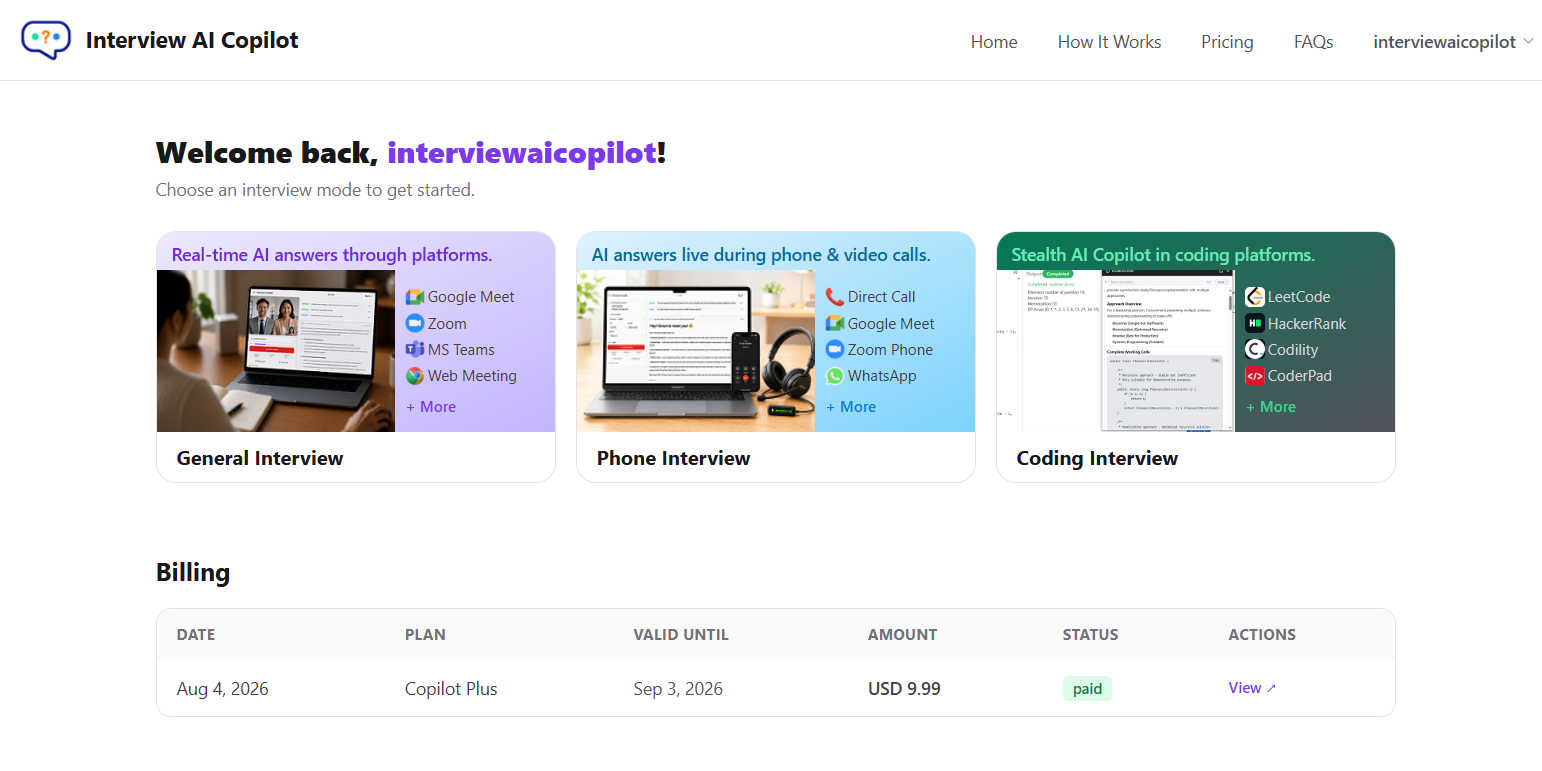
Easy to Get Started
Join Your Interview
Open Interview AI Copilot in your browser before joining your call on Zoom, Teams, Google Meet, or any other platform. Allow sharing of your browser tab or meeting platform audio when prompted. No installation needed.
Live Transcription with Auto Language Detection
Your audio is captured and transcribed live as the conversation happens. The language is detected automatically. Every question is identified as it's asked.
Get Instant AI Answers
The AI reads the transcript and surfaces intelligent, context-aware answers immediately. Review the answer and respond confidently in your own words.
Key Capabilities
80+ Languages
Auto-detects and transcribes live in over 80 languages. AI responses match the selected language.
Multiple AI Models
Choose from Anthropic Claude, OpenAI ChatGPT, or Google Gemini.
No Installation Required
Runs entirely in your browser — nothing to download or install. For best performance, we recommend using Google Chrome or Microsoft Edge.
Works with Zoom, Teams & Meet
Compatible with any platform that uses your computer's microphone.
Private & Secure
Audio is not recorded or stored. Your data stays yours.
One-Time or Subscription Plans
Pay once or subscribe monthly — flexible plans for every need.